Insert View
Click Insert View at the top left to use a compact window beside DaVinci Resolve. Click it again to return.
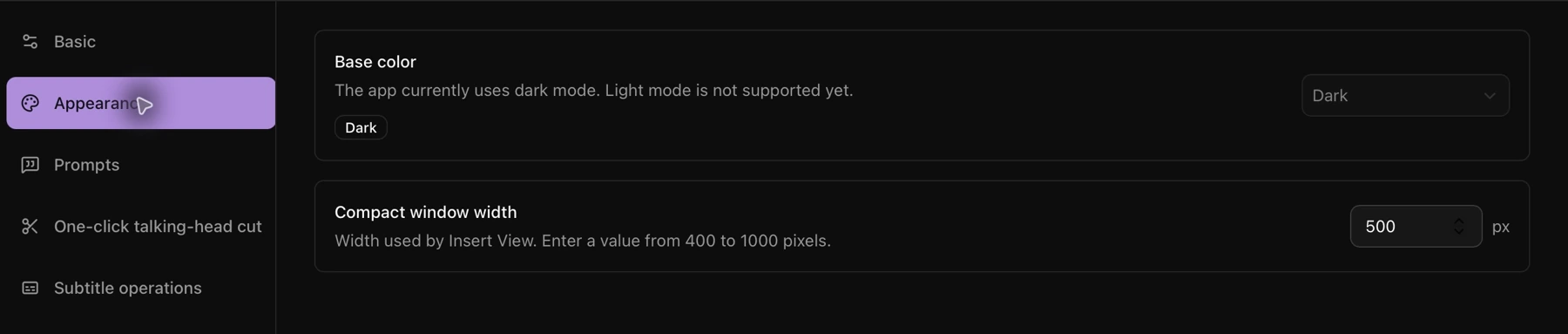
Adjust the compact window width in Settings → Appearance.
Set the selected-clip export folder
Open Settings → Subtitle operations and choose where clips exported from selected transcript text are saved.

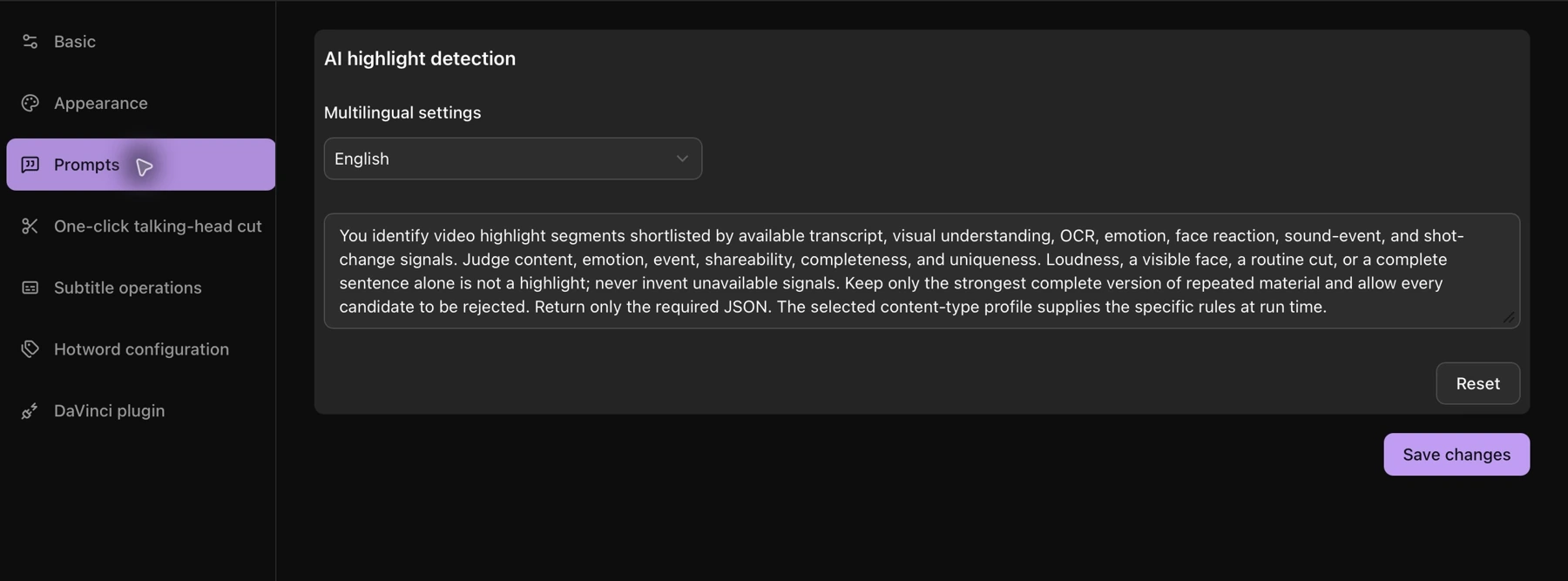
Customize highlight prompts
Open Settings → Prompts, choose a language, edit the AI highlight prompt, and click Save changes. Use Reset to restore the prompt when needed.